Announcement - Free New Tools For Your Daily Use By SanitizeEmail
SanitizeEmail•01 Mar 2026•5 min Read
If you've ever wondered why your emails aren't reaching the inbox, the problem usually isn't your content - it's your email infrastructure. Invalid addresses, misconfigured servers, broken authentication records, and poor deliverability signals quietly kill campaigns before they even begin.
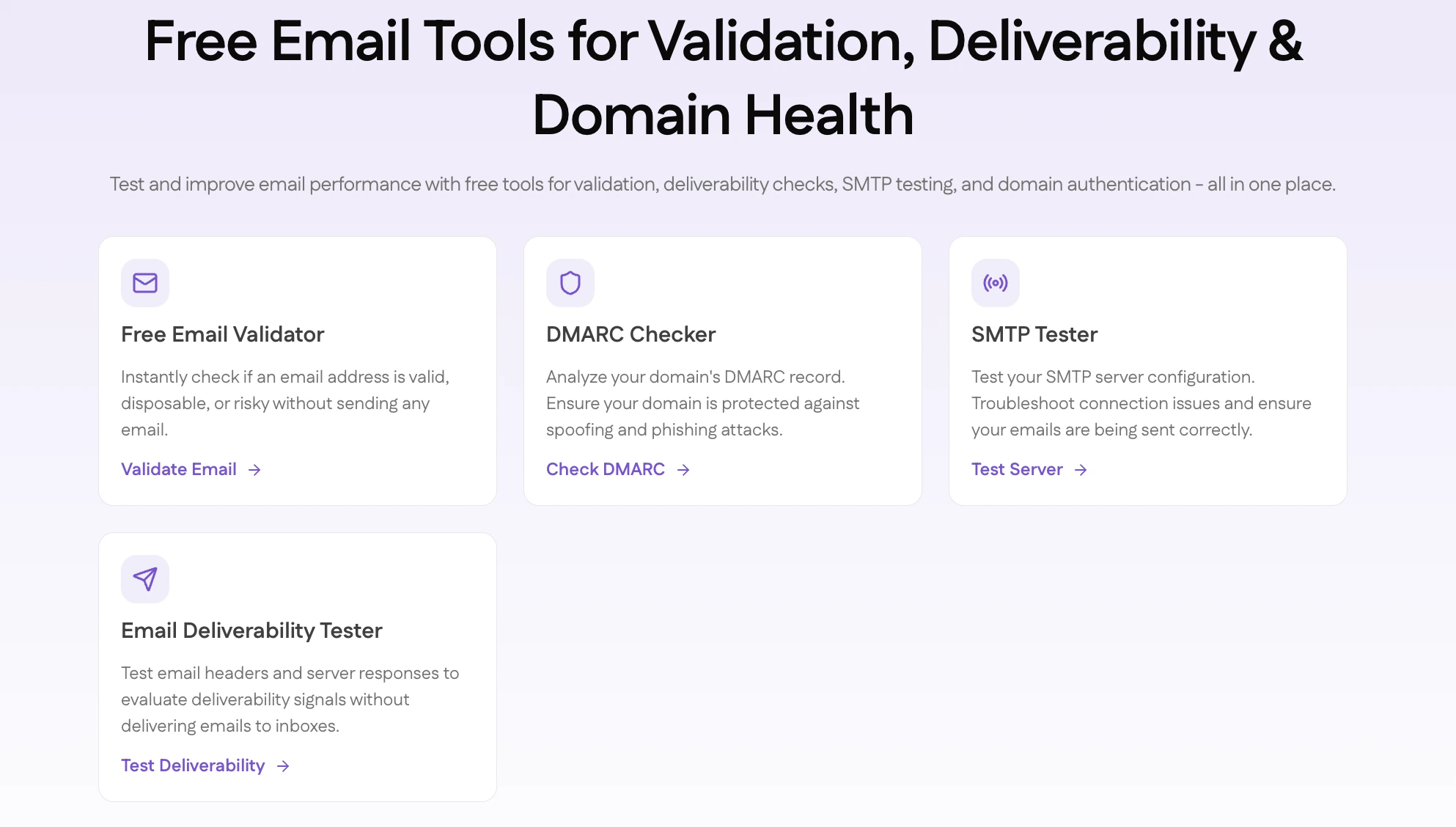
SanitizeEmail now offers four free tools designed to help you diagnose and fix exactly these problems - no account required, no credits needed. Each tool targets a specific layer of your email setup, and together, they provide a comprehensive picture of your email health.
| Tool | What It Does | Best For |
|---|---|---|
| Free Email Validator | Checks if an email address is valid and safe to send to | Marketers, sales teams, developers |
| SMTP Tester | Verifies your mail server is configured and reachable | Developers, IT admins, SaaS founders |
| DMARC Checker | Analyzes your domain's email authentication setup | Domain owners, email admins, security teams |
| Email Deliverability Tester | Tests whether your emails will reach the inbox or land in spam | Anyone running email campaigns |
Before you send a single email, you need to know whether the address you're sending to actually exists and is safe to contact.
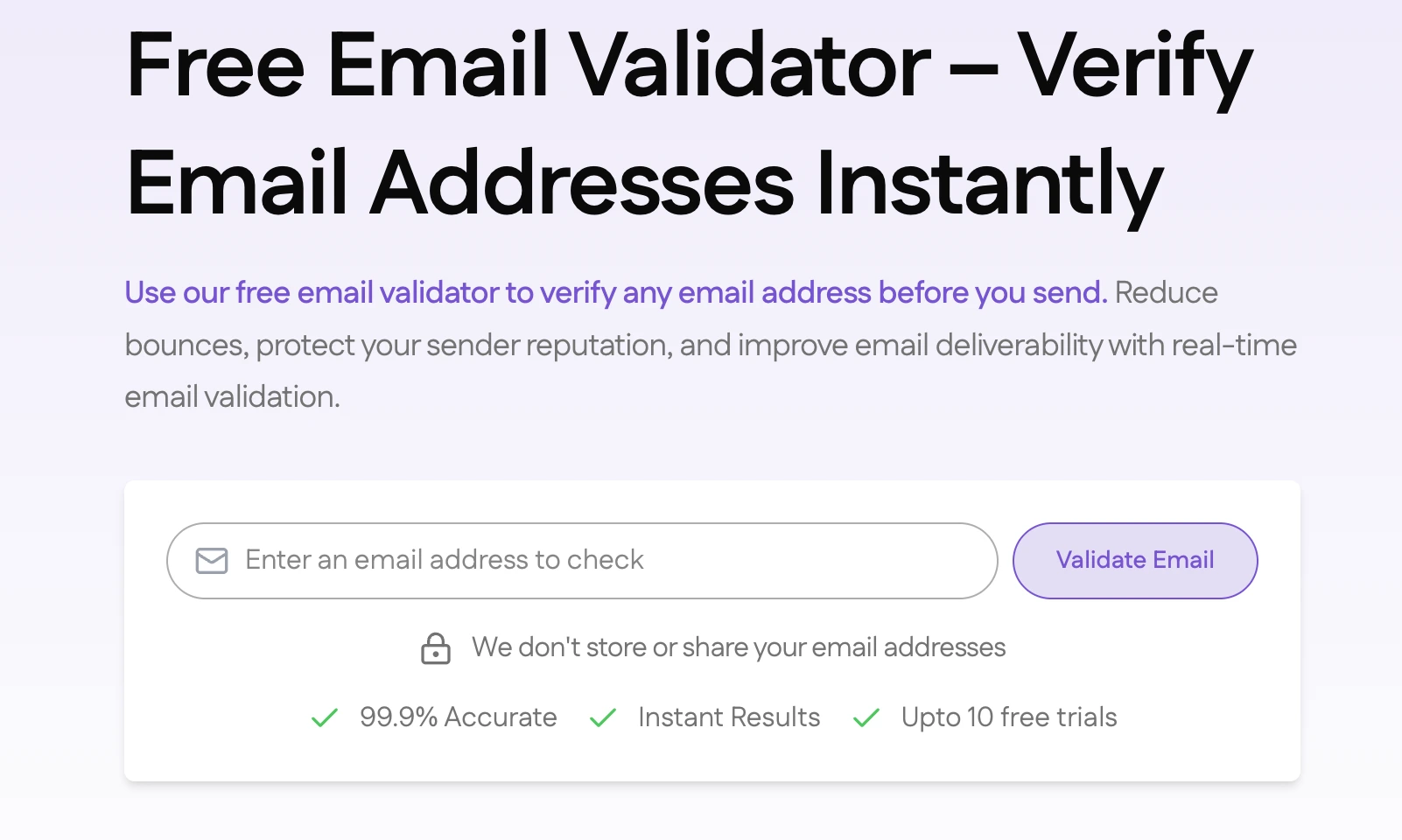
Our Free Email Validator checks an email address across multiple layers - from basic format and syntax to DNS resolution, mail server records, and risk signals like disposable or role-based addresses. Within seconds, you get a clear verdict: safe to send, risky, or invalid.
Why it matters: Sending to bad addresses creates hard bounces. Hard bounces damage your sender's reputation, which affects every email you send going forward - not just the bounced ones.
Who should use it: Marketers validating leads manually, sales teams cleaning their outreach lists, developers testing during signup flows, or anyone who needs a quick check before hitting send.
Your SMTP server is the engine behind every email you send. If it's misconfigured - wrong port, failed authentication, blocked connection, or broken encryption - your emails either don't send at all or get flagged immediately.
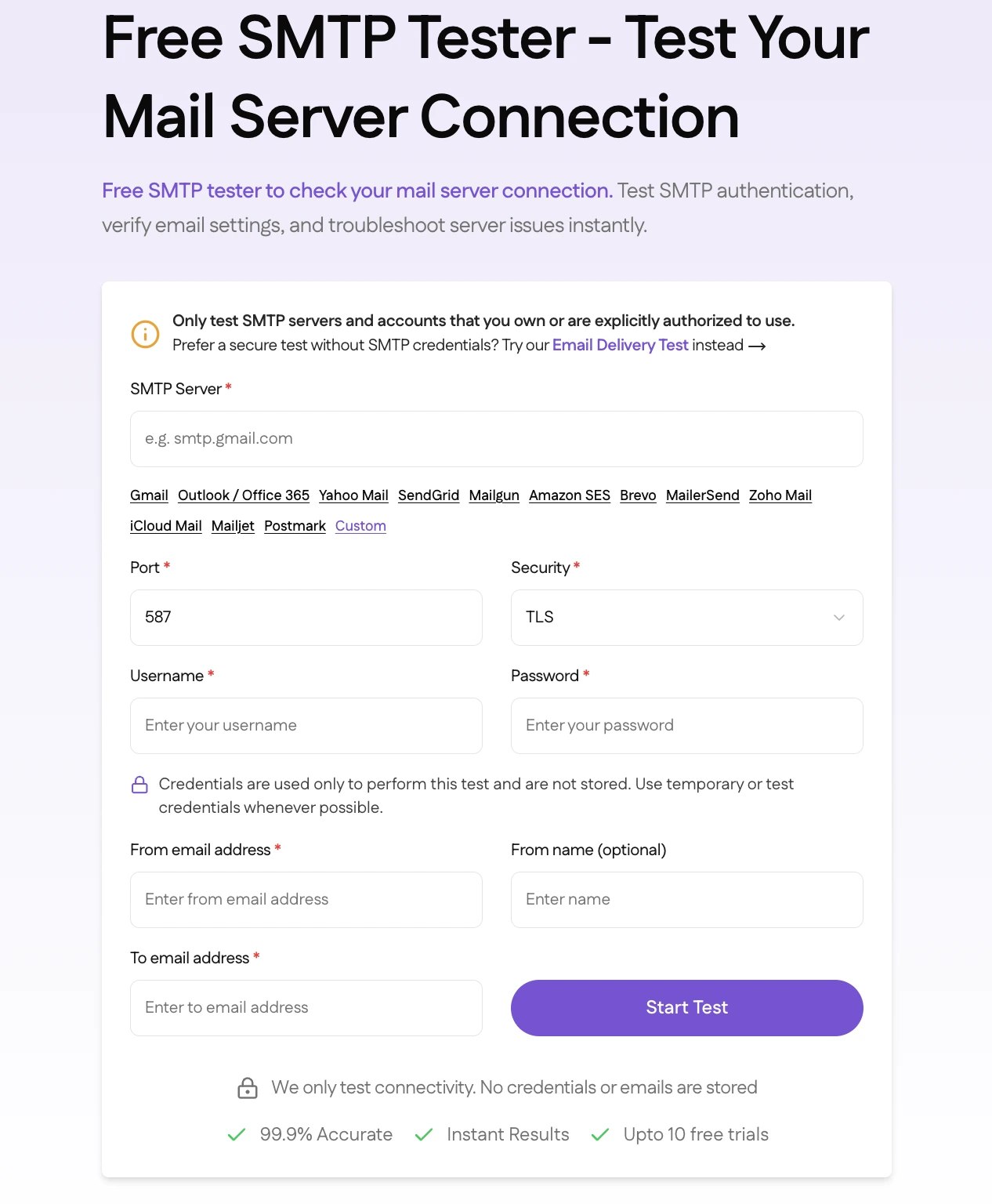
Our SMTP Tester verifies that your mail server is reachable, your credentials are accepted, your encryption is working, and your server is responding with the right status codes. It runs through the full connection sequence and shows you exactly where things succeed or break down.
Why it matters: SMTP errors are silent failures. You might think emails are being sent successfully when they're actually failing mid-delivery. Testing your SMTP configuration before you rely on it saves hours of troubleshooting later.
Who should use it: Developers configuring email in applications, SaaS founders setting up transactional email, or IT admins after any server change or migration.
DMARC is the authentication policy that tells receiving mail servers what to do when someone tries to send email using your domain. Without it, anyone can impersonate your domain and send fraudulent emails that look like they came from you.
Our DMARC Checker looks up your domain's DNS records and analyzes your current DMARC policy, SPF alignment, DKIM alignment, and reporting configuration. It tells you whether your domain is protected, in monitoring mode, or completely exposed - and highlights exactly what needs to be fixed.
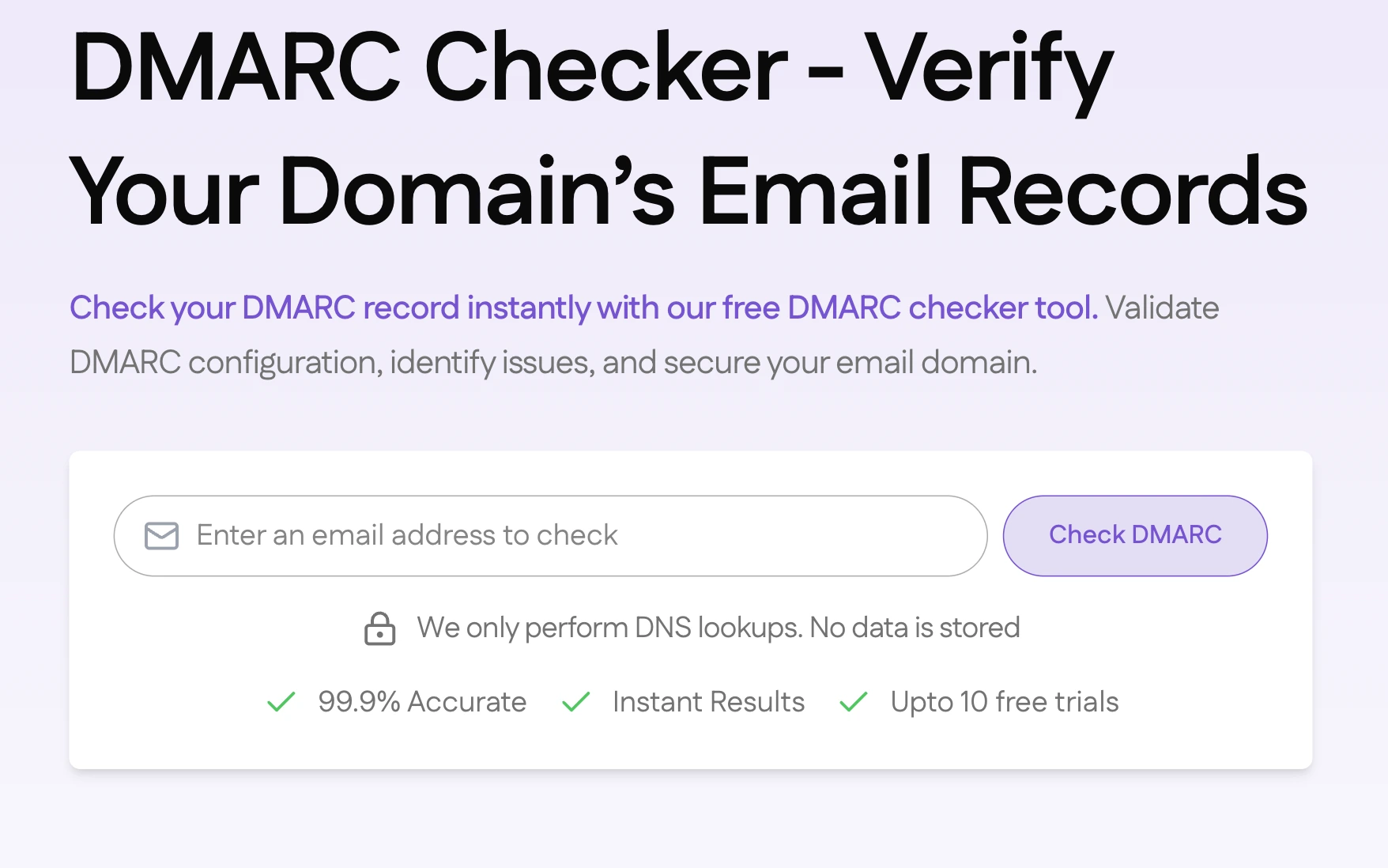
Why it matters: Beyond security, major email providers like Gmail, Outlook, and Yahoo increasingly prioritize authenticated senders. A properly configured DMARC record improves your inbox placement, not just your security posture.
Who should use it: Anyone who owns a domain used for sending email. This is especially critical for businesses because a spoofed domain damages both security and brand reputation.
This is the most comprehensive of the four tools. While the other tools check individual components, the Email Deliverability Tester simulates an actual email send and analyzes how receiving servers respond - giving you a real-world answer to the question that matters most: will this email reach the inbox?
It tests inbox versus spam placement, checks all three authentication protocols (SPF, DKIM, DMARC), evaluates sender reputation signals, analyzes server response codes, and validates your DNS and MX configuration - all in one test.
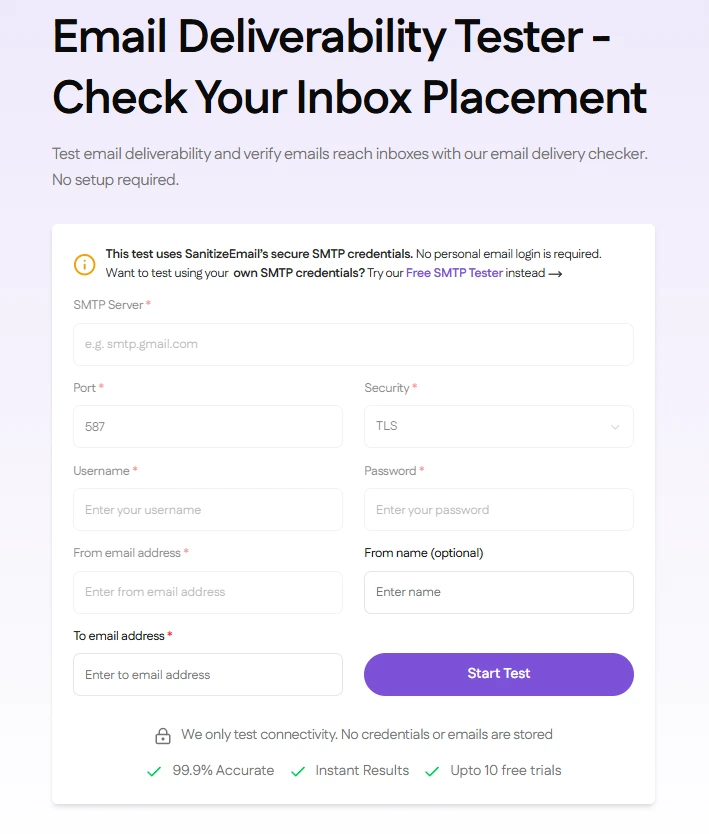
Why it matters: An email that lands in spam is effectively invisible. Technical delivery and actual inbox placement are two very different things. This tool bridges that gap by showing you not just whether your email was accepted, but where it would actually land.
Who should use it: Anyone running email campaigns, newsletters, or transactional email sequences who wants to confirm deliverability before sending to their full list.
Each tool solves a different layer of the same problem. Here's how they complement each other:
Start with the Email Deliverability Tester to get a high-level picture of where your email stands. If it flags authentication failures, move to the DMARC Checker to diagnose and fix your SPF, DKIM, and DMARC setup. If it flags server configuration issues, use the SMTP Tester to pinpoint exactly what's wrong with your mail server. And before any campaign goes out, run your list through the Free Email Validator to remove invalid addresses before they become bounces.
Together, these four tools cover every critical layer of email health:
All four tools are available on the SanitizeEmail Tools page - no signup required, no credits deducted.
Need to validate emails at scale? SanitizeEmail's bulk validation platform starts free with 250 validations per month and scales from there. Create a free account ↓

 Monthly plans starting at