Step 0: Introduction to SanitizeEmail
SanitizeEmail•23 Dec 2025•5 min Read
SanitizeEmail is an email verification, email validation, and email cleaning platform that helps you protect your sender reputation and improve email deliverability. Whether you upload a list or validate a single address, SanitizeEmail checks every email across multiple layers like syntax, DNS, DMARC, and SMTP to determine if it is safe to send to.
If you run marketing campaigns, manage a CRM, collect leads, or operate a SaaS product, your email list becomes a critical asset. Invalid and risky emails harm your sender score, cause bounces, and reduce your chances of landing in the inbox. SanitizeEmail helps you find and remove these issues before they affect your performance.
This guide shows you how to get started on the platform, what each feature does, and how to use your credits efficiently.
When your list contains invalid or temporary addresses, mailbox providers like Gmail and Outlook see you as a risky sender. This leads to more spam folder placements and lower engagement. Using SanitizeEmail ensures your list stays healthy and allows you to send with confidence.
You can use SanitizeEmail to:
SanitizeEmail performs several checks on each email:
Each email is categorized as Valid, Invalid, Unknown, or Error.
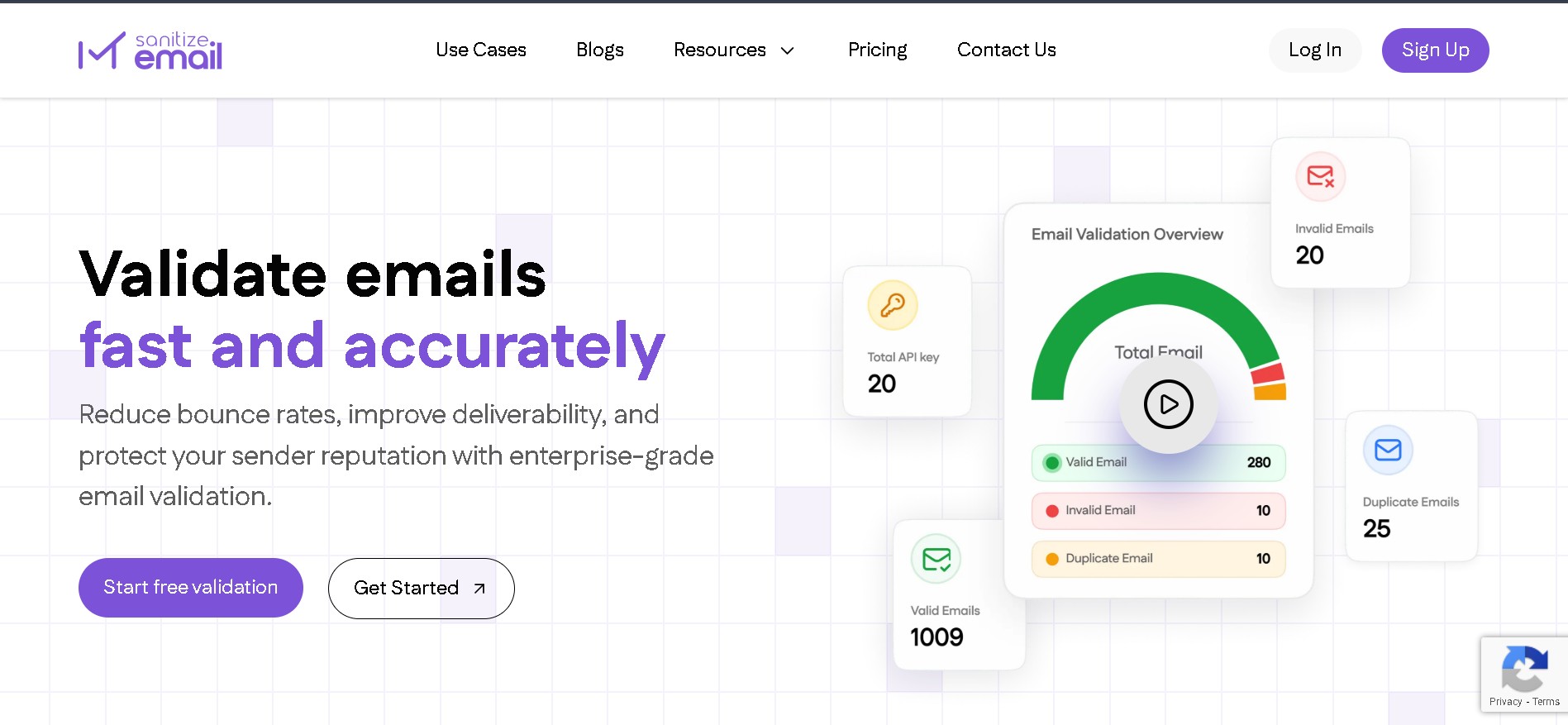
Below is a quick overview of the main features you will use throughout this guide.
Upload your entire list as a CSV or XLSX file. SanitizeEmail scans the email column, removes duplicates automatically, and checks each address.
Test up to 5 emails for free without logging in. If you sign up for free, you get 250 credits, which renew every month.
Enter one email and get an instant verification result.
Developers can validate emails at the moment a user signs up. This prevents fake or invalid addresses from entering your system.
View clear result statuses to understand which emails are safe and which ones you should remove.
Once verification is complete, download a cleaned list with invalid and risky emails removed.
You will learn how to: