Step 3: Analyze List (Your First Action)
SanitizeEmail•24 Dec 2025•5 min Read
Analyze List is the very first tool you should use after creating your account. It gives you a quick, credit-free overview of your email list quality so you understand how risky your file is before spending credits on verification.
Analyze List scans your uploaded file and estimates the potential bounce rate of your list. It does not clean or deeply validate emails. Instead, it picks random 25 emails from your list and tells you:
This helps you make decisions about buying credits, upgrading your plan, or preparing your list before sending any emails.
Analyze List is:
If your bounce rate is above 2 percent, we strongly recommend cleaning or verifying your list before you send any campaigns. ESPs (Email Service Providers) penalize high bounce rates and may block your sending domain.
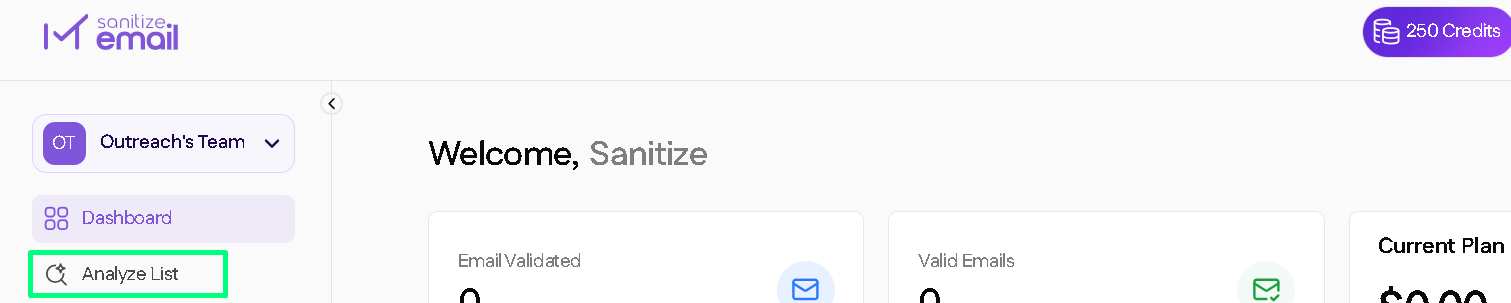
From your left side menu, click Analyze List.
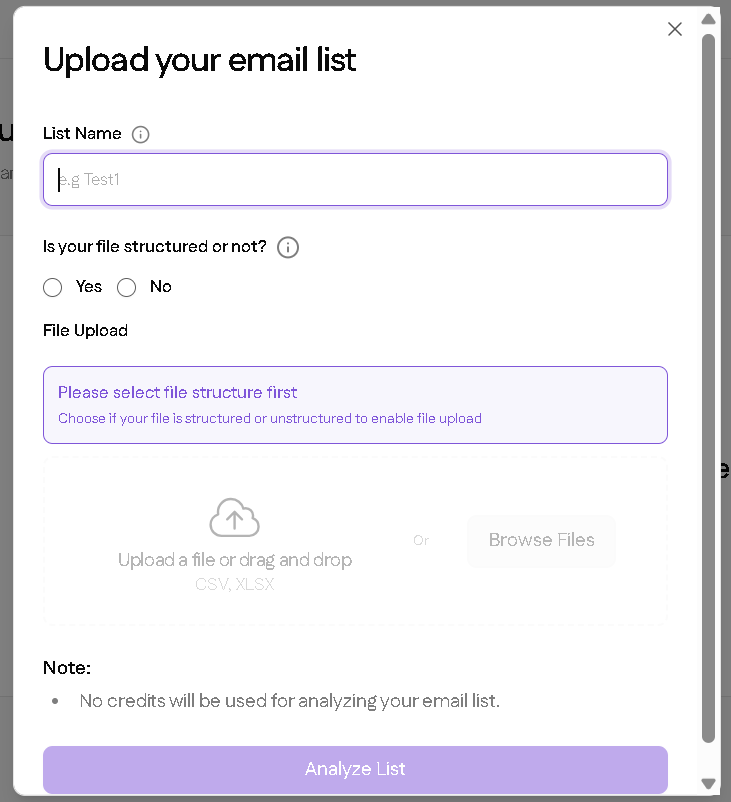
Click Upload File and select your CSV or XLSX file.
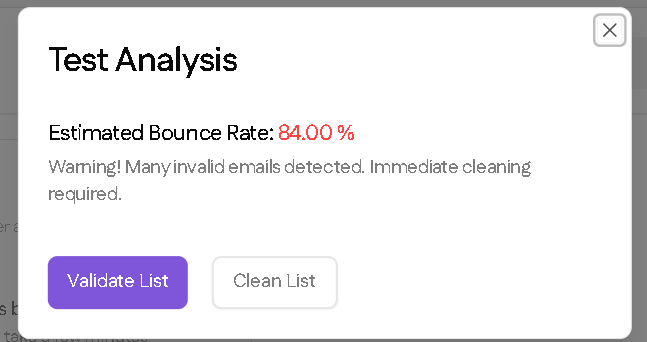
SanitizeEmail will run an AI-powered scan to estimate your bounce rate. This usually takes only a few seconds depending on your list size.
You will see: