Step 6: Validate a File (Bulk File Validation)
SanitizeEmail•24 Dec 2025•5 min Read
File Validation is the fastest and most accurate way to clean a large email list inside SanitizeEmail. It checks each email for deliverability, removes duplicates before charging credits, skips invalid formats, and returns a cleaned output file that keeps your original structure.
This feature is ideal when you want to clean:
SanitizeEmail works with CSV and XLSX files. The system automatically identifies where the email addresses are.
There are two scan modes:
Your original column structure is always preserved.
All duplicates are skipped and do not count toward your credit usage.
Each unique email goes through a complete verification process that includes:
Each unique email uses 1 credit.
SanitizeEmail keeps your original file layout exactly as it is. New columns are added to show:
You can download:
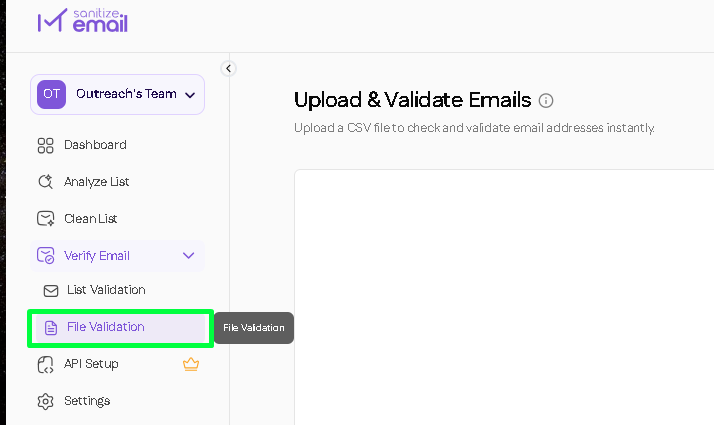
Go to your dashboard and click File Validation.
Supported formats:
Drag and drop your file or select it from your computer.
Choose one of the upload modes:
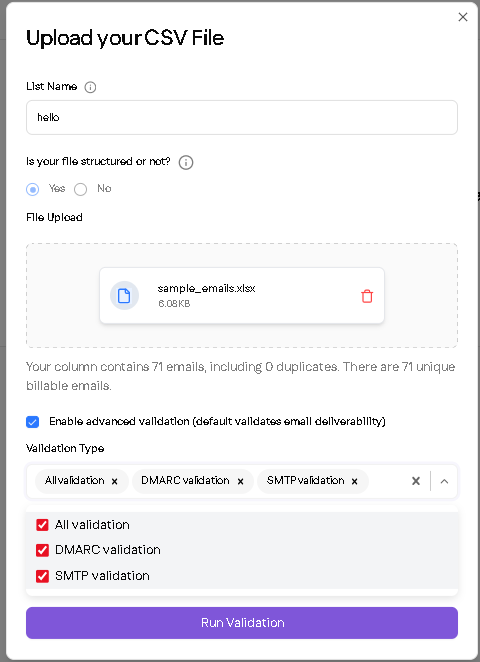
SanitizeEmail will:
You will see real-time progress while your file is being processed.
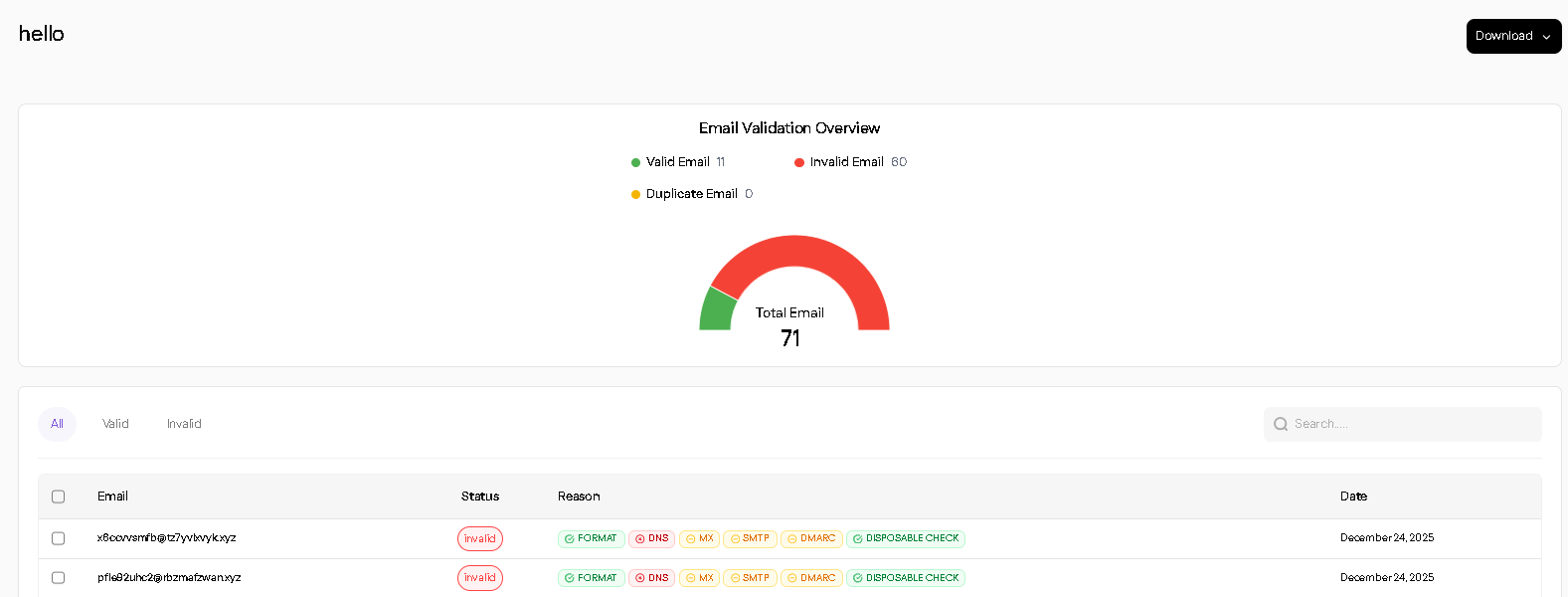
After validation, you will see:
Each email includes a clear status and explanation.
Choose the format that suits your workflow for download: