Step 7: Understanding Validation Results and Types
SanitizeEmail•24 Dec 2025•5 min Read

When you validate your email list, each email receives a status showing whether it is deliverable, risky, or invalid. Knowing what each result means helps you clean your list, protect your sender reputation, and improve campaign performance.
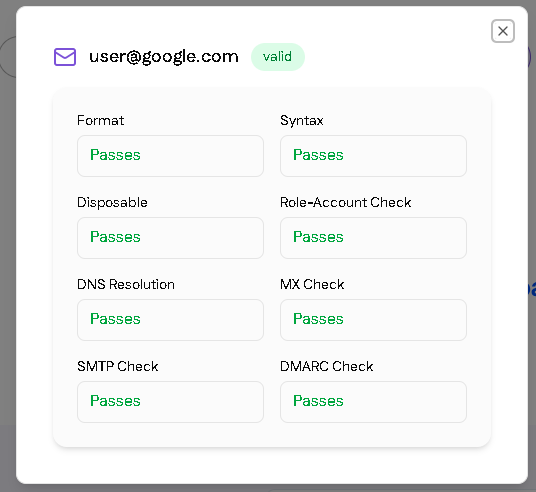
| Result | Meaning | Recommended Action |
|---|---|---|
| Valid | The email exists and is safe to send | Keep in your list and send confidently |
| Invalid | The email is incorrect, misspelled, or no longer exists | Remove to prevent bounces |
| Unknown | Verification could not determine the status | Retry later or handle carefully |
| Disposable | Temporary or one-time-use email | Remove or segment depending on campaign goals |
| Role-based | Email belongs to a role (e.g., info@, support@) | Use cautiously; may not reach a person |
| Catch-all | Domain accepts all emails, deliverability unknown | Test or verify individually |
| Error | An issue occurred during verification | Check error codes or retry |